Not all review management tools are created equal. Here's the complete buyer's guide with features, pricing considerations, and what actually matters for small businesses.
The market for review management software has exploded. A quick search returns dozens of options at wildly different price points. Most are overbuilt for small businesses — designed for enterprise chains with hundreds of locations. Here's how to evaluate what you actually need.
Must-Have Features for Small Business Review Software
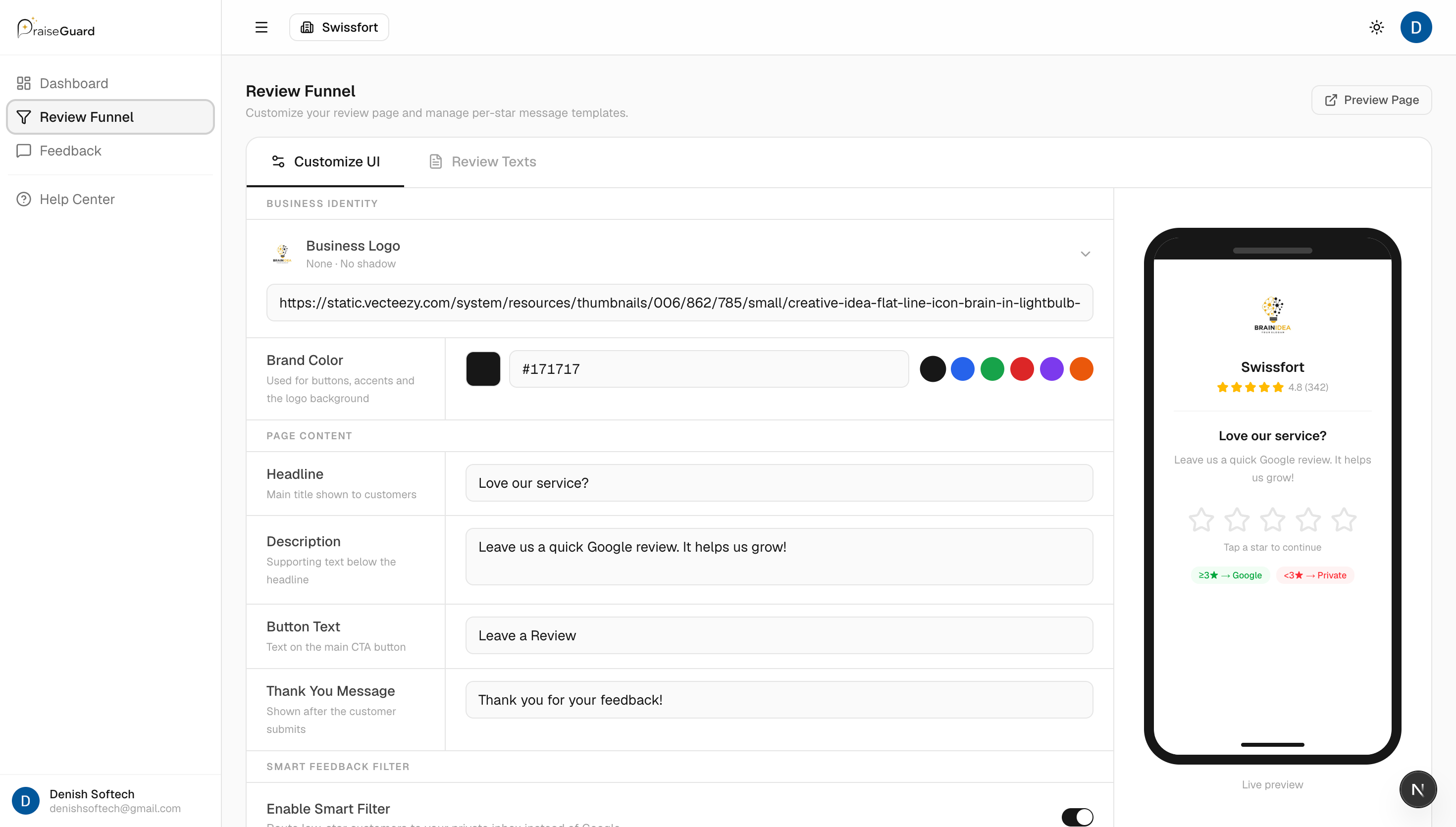
- Review funnel with feedback filter (routes happy customers to Google, unhappy to private form)
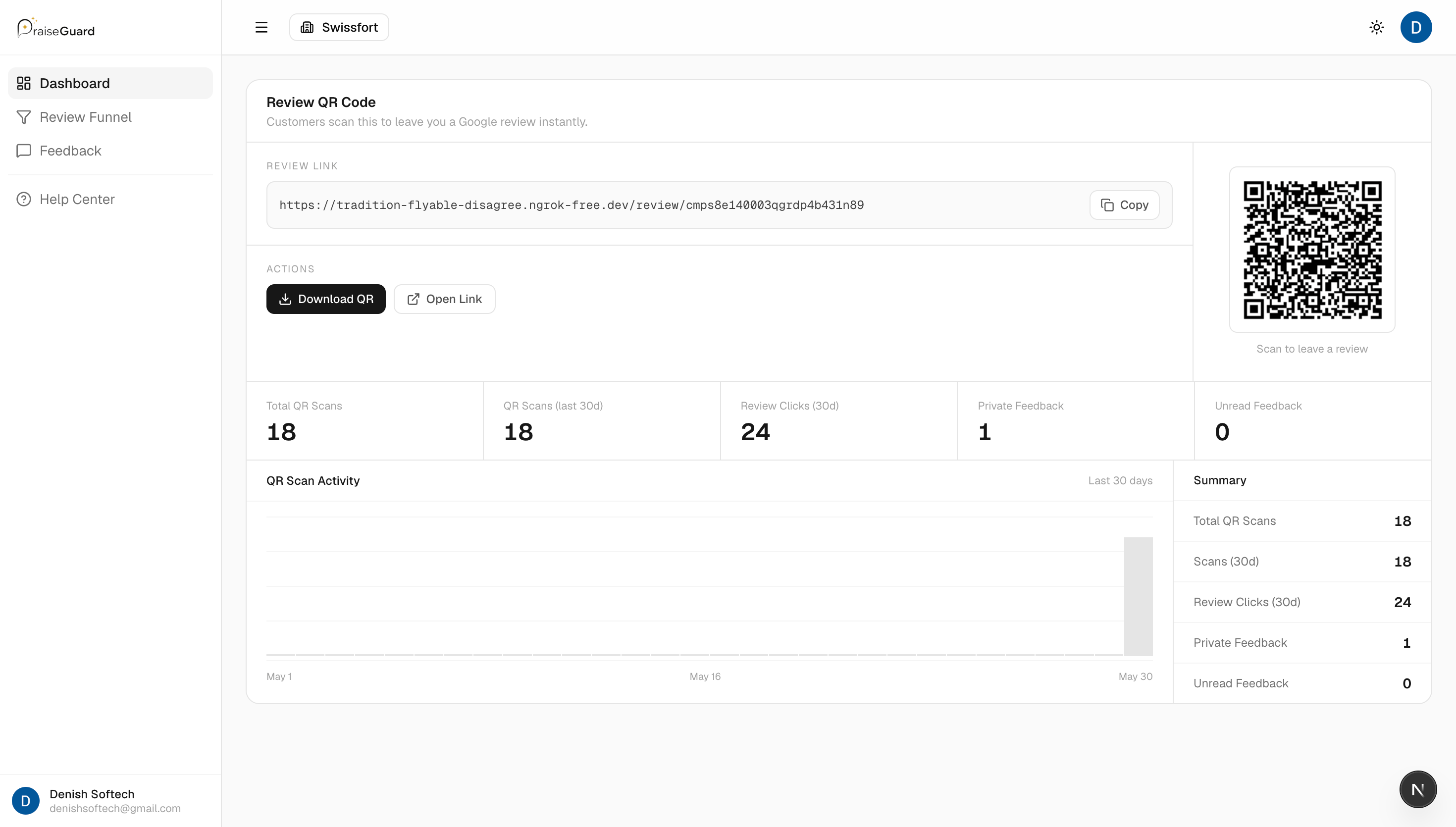
- QR code generation — branded, downloadable, printable
- Review request automation via email and/or SMS
- Multi-location support (even if you only have one location now)
- Review analytics dashboard — track volume, rating trends, conversion rates
- Direct review response from the dashboard
- Google Business Profile integration
Nice-to-Have Features
- Multi-platform monitoring (Yelp, TripAdvisor, Facebook)
- AI-powered review response suggestions
- NPS or sentiment analysis
- CRM integrations
- White-label branding for agencies
- API access for custom integrations
Questions to Ask Before You Buy
- 1Is there a free trial? (Any legitimate tool offers at least 14 days.)
- 2What is the onboarding time? (Should be under 10 minutes for a small business.)
- 3Does it integrate natively with Google Business Profile?
- 4Is pricing per location or per user?
- 5Are there contracts or can I cancel monthly?
- 6What support channels are available (live chat, email, phone)?
What PraiseGuard Offers
PraiseGuard was purpose-built for local small businesses — not enterprise chains. It includes a complete review funnel, branded QR code generation, email/SMS automation, real-time analytics, and a Google Business Profile integration. Setup takes under 5 minutes, and pricing is transparent without long-term contracts.
Topics